Tutorials • ISPConfig
Accessing a database in the ISPConfig panel.
Access the database in ISPConfig with phpMyAdmin. Follow the steps for authentication and efficient data management.
Views 1824Updated 3 aniPublished on 14/11/2022by Cătălin A.
Introduction
- The ISPConfig control panel provides the ability to explore databases using the phpMyAdmin application;
Requirements
- The management data of the ISPConfig panel received in the email inbox associated with the Hostico account when the VPS was activated;
- The access details of a MySQL user with privileges on the database we want to manage.
A MySQL user associated with a database can be created in the ISPConfig panel, following the tutorial:
Creating a MYSQL user in the ISPConfig control panel
Steps to follow
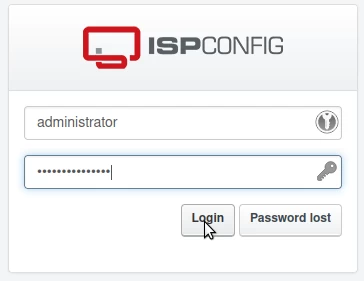
- First, we will connect to the ISPConfig control panel using one of the access addresses: https://NUMESERVER:10200 or https://IP_SERVER:10200 or https://DOMENIU.XX:10200;
- In the interface that will be displayed, the user and the password received via email upon activation of the service will be entered;
- In the main page of the panel, the "Sites" tab will be selected;

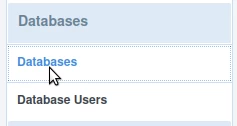
- On the next page, select "Databases" from the menu on the left;
- On the next page, the existing databases on the server will be viewable;
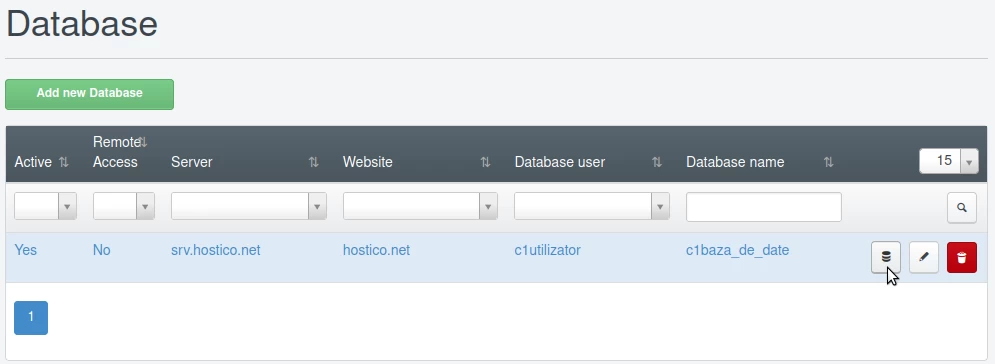
- The desired database can be accessed by clicking the first button on the right of it;

- After clicking the button, the page will be redirected to a login form where the access details for the ISPConfig panel must be entered (the credentials used to log in to the panel);
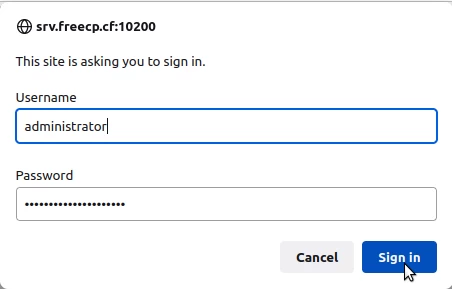
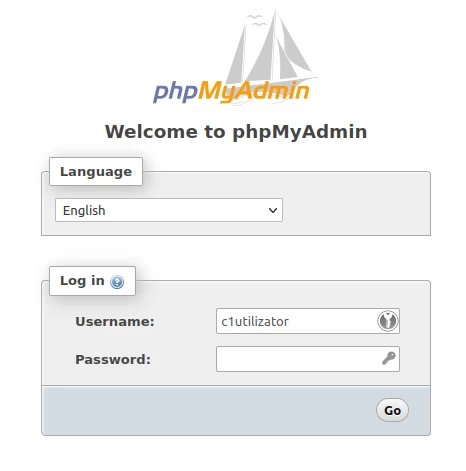
- Next, the phpMyAdmin login page will be displayed where the MYSQL user and their password will be used to view the databases associated with that user;
After logging in, we will be able to explore the database.