Tutorials • cPanel
Changing the PHP version for the main account's subdomains and add-on domains.
In this article, we will present the steps required to change the PHP version on one of the addon domains or for a subdomain different from the main domain.
Views 1653Updated 1 luniPublished on 14/07/2021by Eduard K.
Introduction
This tutorial presents the steps necessary to change the PHP version on one of the addon domains or for a subdomain different from that of the main domain.
Requirements
- a cPanel account
Steps to Follow
- we log in to the control panel.
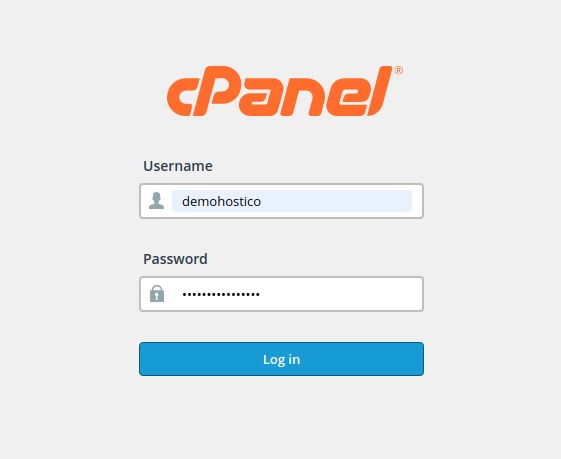
- We will go to the to section Files, where we will click on "File Manager"

- Selectam the subdomain or the add-on domain where we want to change the PHP version
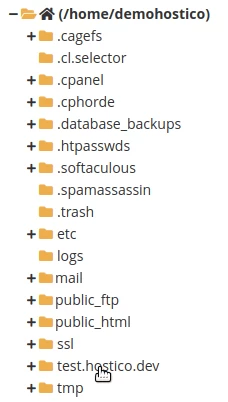
- Here we will edit the file .htaccess în which the following lines will be inserted at the beginning of the file.
- If the .htaccess file is not displayed, access this article to show you how to view hidden files.
SetHandler application/x-httpd-alt-phpXX___lsphpwhere XX represents the desired PHP version.
After editing the .htaccess file, we look for the "SOFTWARE" section, and there we click on "Select PHP Version". To edit the PHP directives at the selected version according to the following tutorial.
