Tutorials • Plesk
Changing the root directory for a site in the Plesk administration panel
In this article, we will present the necessary steps to change the root directory of a site (the path/folder from where it is loaded)
Views 1517Updated 1 anPublished on 07/02/2020by Alexandru J.
Introduction
- The root directory represents the path to your site's files. This is set automatically within the Plesk panel with the value "httpdocs". However, there may be situations where web applications or the site require a different root document than the default one.
Requirements
- Access to the Plesk administration panel, username and password.
Steps
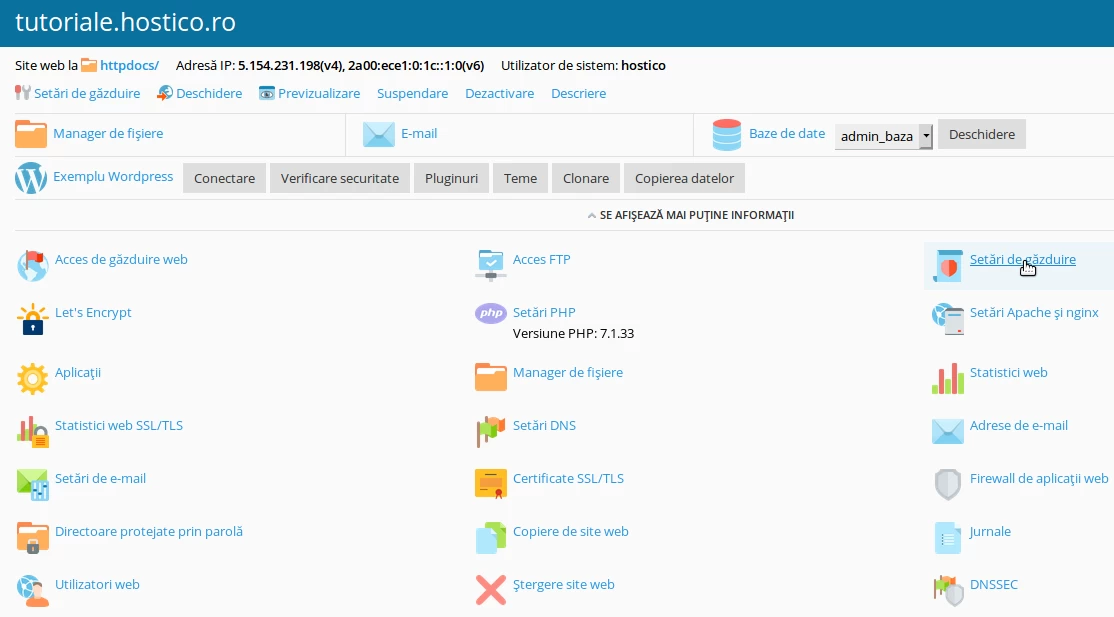
- We will click on the Websites and Domains menu on the left side of the panel, after which we will access the Hosting Settings option from the subscription/site menu in question.
- The new value can be entered in the marked field Document Root. To apply the settings, we will click the Apply button, then OK.

- After applying these steps, the site or application will load from the new root directory, where we will need to upload the site files.