Tutorials • Plesk
Using File Manager in Plesk
Learn how to use the file manager in Plesk, including options for uploading, creating, and managing permissions for files and directories.
Views 867Updated 1 anPublished on 29/05/2019by Florin P.
Introduction
- In this tutorial, we will show you how to use the file manager in the Plesk panel.
Requirements
- Access to the PLesk user panel, username and password.
Steps
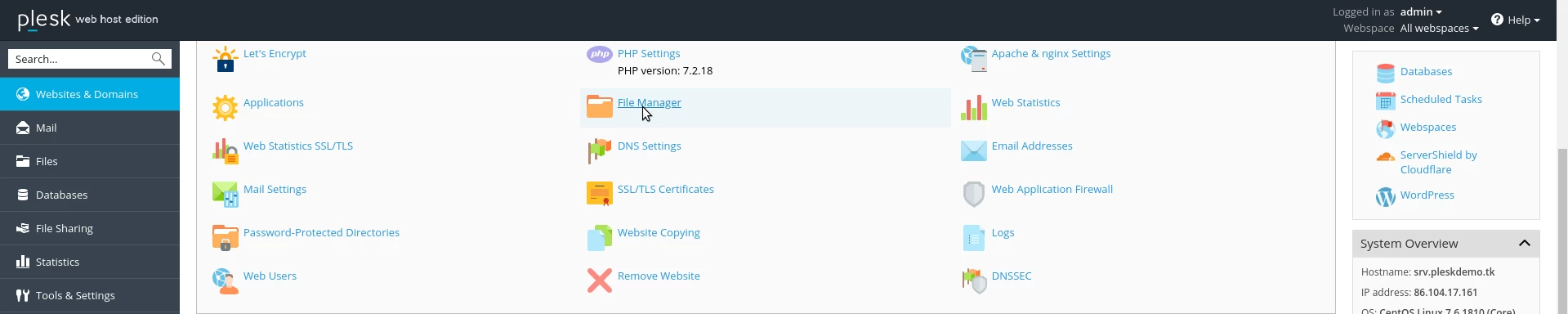
- After logging into the Plesk administration panel, we will click on the File manager.
- The file manager will be displayed on the new page that will open.
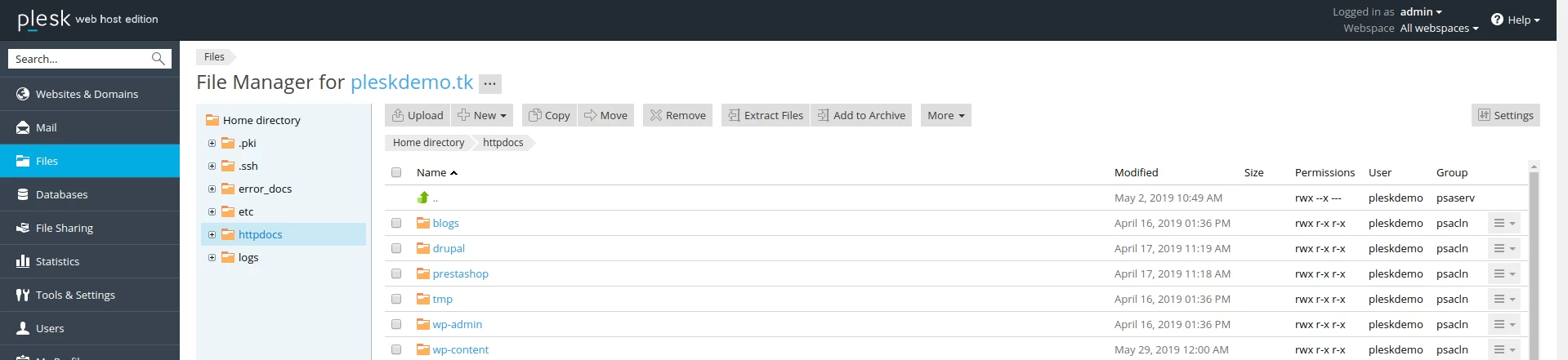
- The manager provides us with the same functionalities as other utilities available in similar control panels.
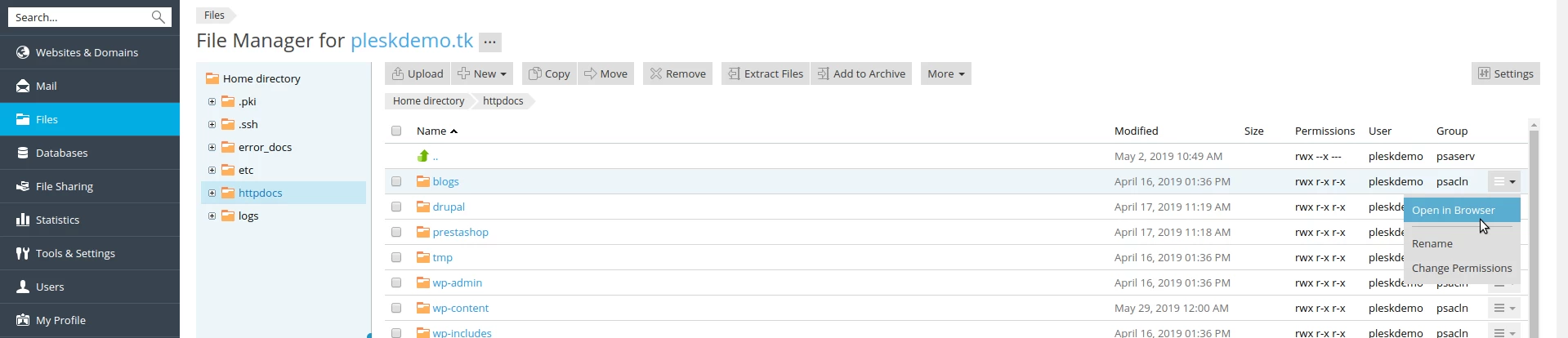
- The main menu contains options upload, create files or directories/+New, copy, move, and other options as seen below.

- On the right side of the panel, we have the options rename/rename and change permissions/Change Permissions.