Tutorials • Dev
Creating an error page
Learn how to create a custom 404 error page in cPanel, with simple steps and tips for integrating HTML elements.
Views 999Updated 2 aniPublished on 16/07/2021by Eduard K.
Introduction
This tutorial shows the steps necessary to create an error page
Requirements
A cPanel dashboard and its credentials
Steps
- We log into the control panel with the data related to our account.

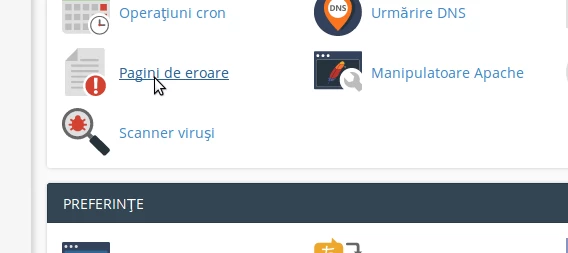
- Once logged in to your panel on the same page, you will be able to find in the section "Advanced", "Error pages", in this case "error pages "
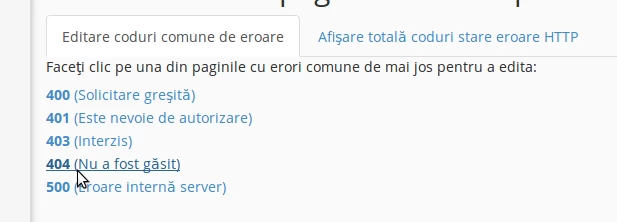
- As you can see in this section, there are several different error pages that you can alter.
- In this explanation, we will select the one 404, by clicking on it
NOTE:
- You can also use, including HTML elements in your page, making it easy to compare the appearance of the error page with the rest of your site.

- Once the changes have been made, save.