Tutorials • cPanel
Raw Access Logs cPanel
Find out how to view and configure access logs in cPanel. Download the logs in .txt format to analyze your website visitors.
Views 914Updated 2 aniPublished on 26/09/2018by Florin P.
Introduction
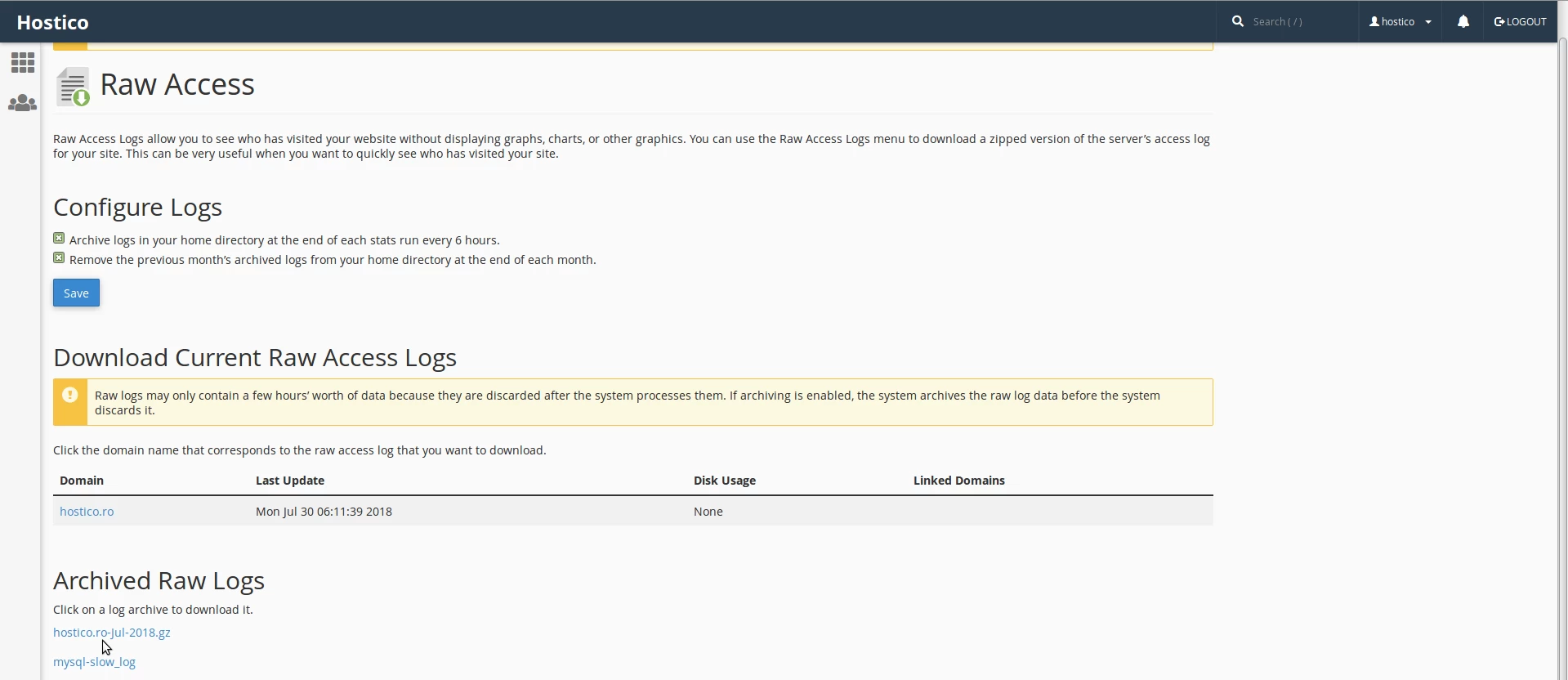
- In this tutorial, we will show you how to view and configure the electronic logs that contain information about the site visitors and the content they accessed. The electronic logs (logs) are in .txt format and can be downloaded locally.
Requirements
- Access to the cPanel account, username and password.
Steps
- After logging into the cPanel account, we will go to the Metrics section and then click on Raw Access.

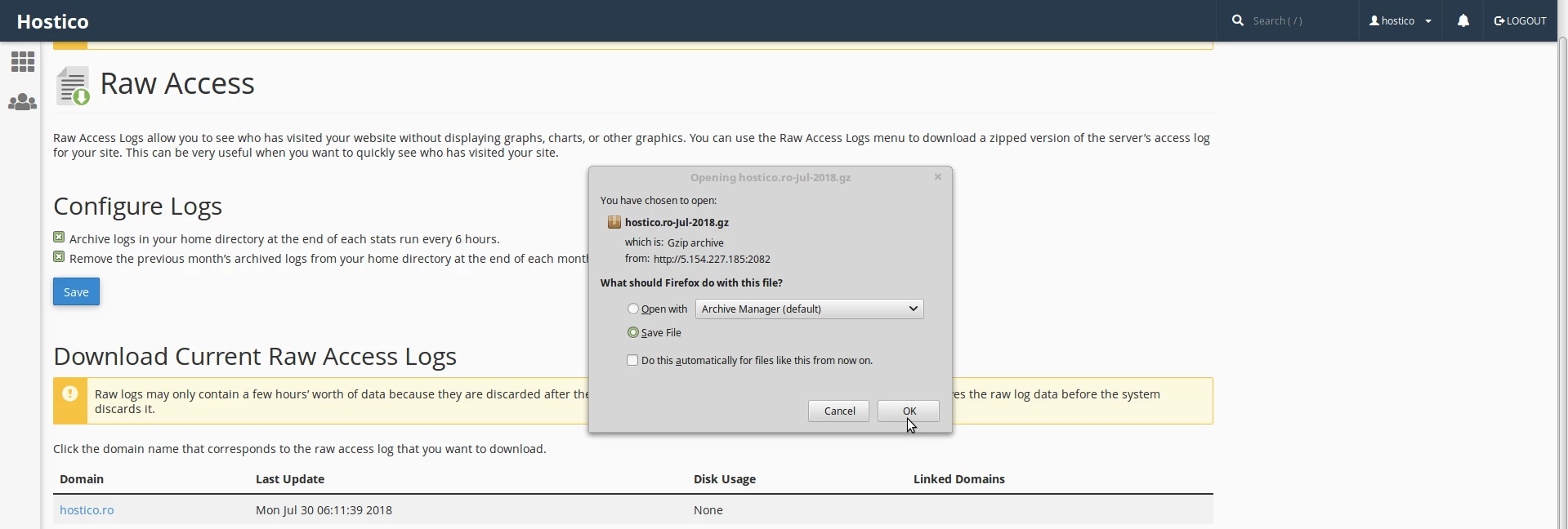
- On the next page, we will be able to download the archived access logs by clicking on the archive name.