Tutorials • cPanel
Virus scanning cPanel
Find out how to scan files on your cPanel hosting account for viruses using the available options and managing problematic files.
1
Views 974Updated 2 aniPublished on 14/12/2018by Cătălin A.
Introduction
This article explains how to scan files on a hosting account
Requirements
- a cPanel account
Steps to Follow
- after logging in to the cPanel control panel, in the interface that will be displayed, we look for the "ADVANCED" section, and there we click on "Virus Scanner"

- On the page that will be displayed, there are four options:
- Correspondence scanning - will scan all emails in the account
- Full scan of the startup directory - will scan the entire hosting account
- Public Web space scan - it will scan the public_html directory where the site files are located
- Public FTP space scan - will scan the public_ftp directory where the created FTP accounts are located
- in the next window, the scanning progress will be displayed along with related statistics
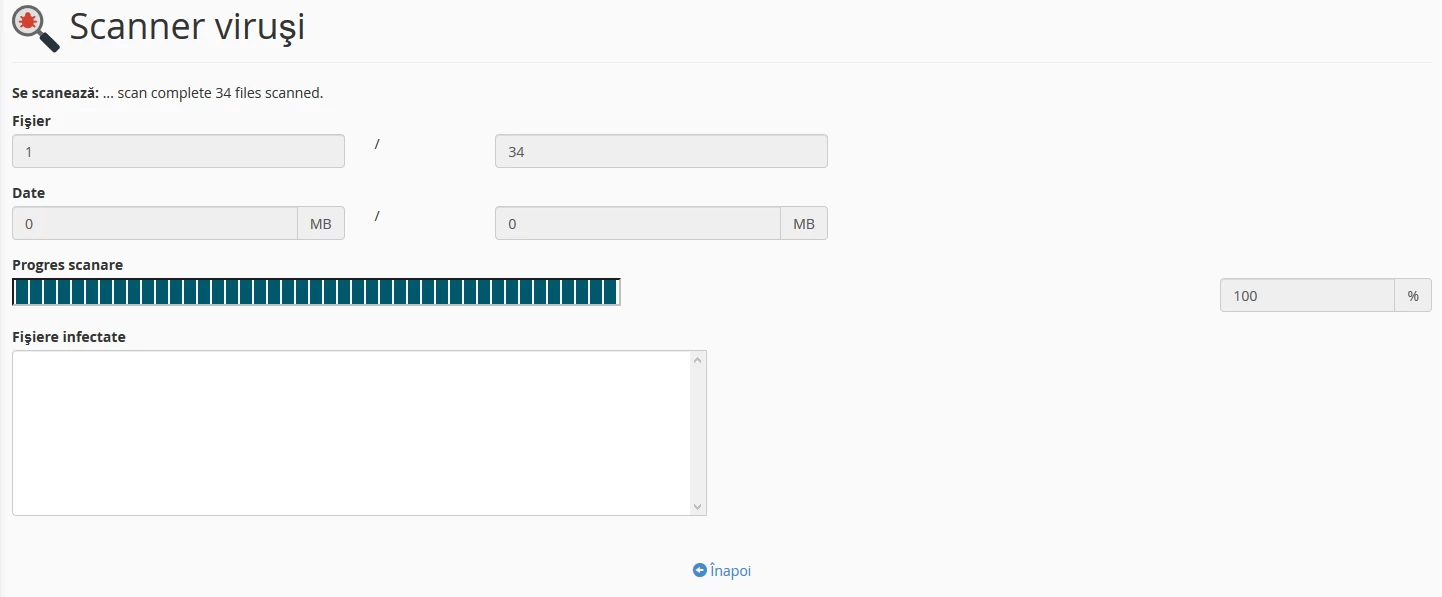
- after the scan is completed, in the window that will appear, quarantine, delete, and ignore actions can be applied to the files identified as problematic
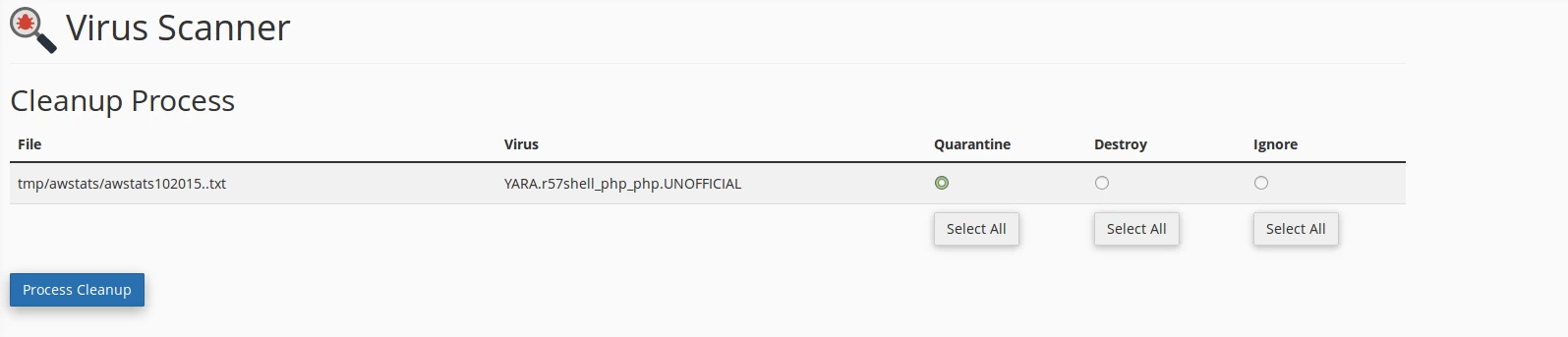
- after selecting the desired action, the button is pressed

Note:
1. The antivirus used is ClamAV
2. It is possible for the antivirus to detect completely harmless files as malicious (false positives)
3. It is also possible for the antivirus not to detect certain malicious files