Tutorials • WHM
Viewing suspended accounts in the WHM admin panel
In this tutorial we will show how to list or view suspended accounts in the WHM admin panel.
Views 1050Updated 2 aniPublished on 16/08/2017by Florin P.
Introduction
- In this tutorial we will show how to view or list suspended accounts in the WHM administration panel.
Requirements
- A WHM account
Steps
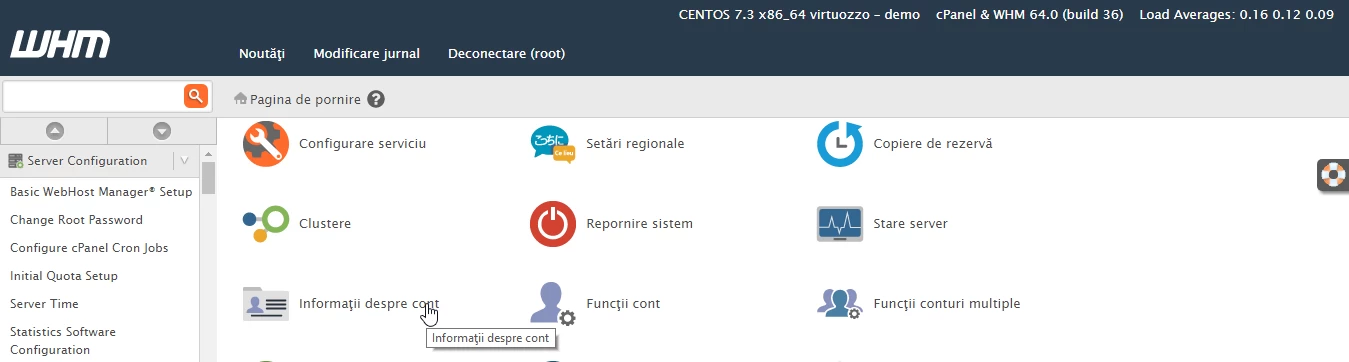
- After logging in to WHM, we will click on Account Information.
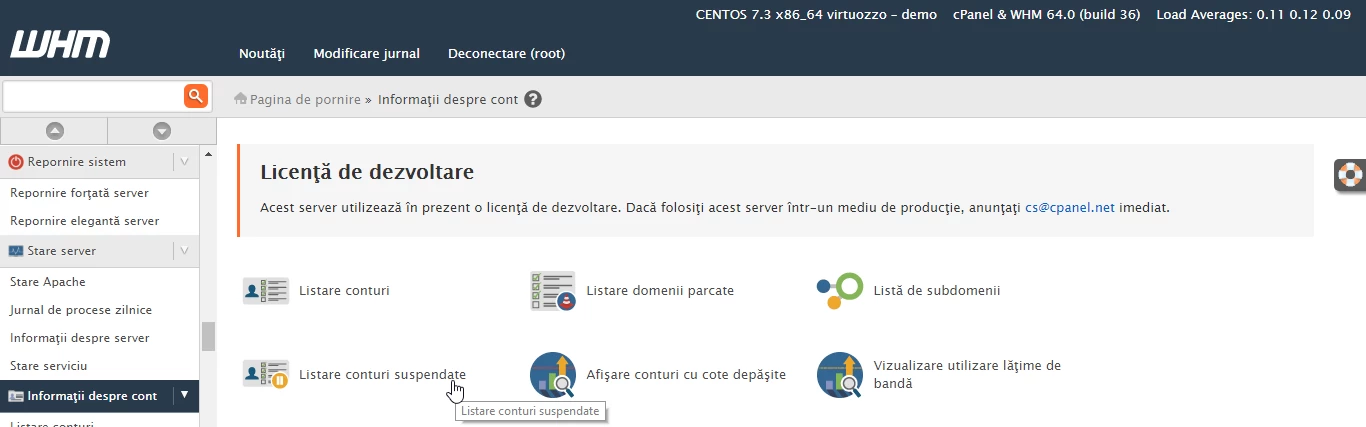
- On the next immediate page, we will click on List suspended accounts.
- A new page will open displaying suspended accounts in a table. The suspended account is hostico.ro.
- Here we also have information such as: Domain - hostico.ro, User - hostico, Owner of the account - root, Date Suspended - Wed Aug 16 16:10:38 2017, Reason for suspension - Unknown.
- There are still two options available to us: Unsuspend (to remove the account suspension), Terminate (to close and delete the account and all associated data completely).
